The Assumption Box Method: Visual Co-Design with AI
The Assumption Box Method
For me, the whole intention of AI is to help maintain a creative flow. But chat interfaces are linear—endless scrolls of text. For a visual thinker, a text box is a constraint. I need to see the shape of the idea.
I realised I didn’t want to chat with my AI agent; I wanted to whiteboard with it.
The Shift: From Chat to Canvas
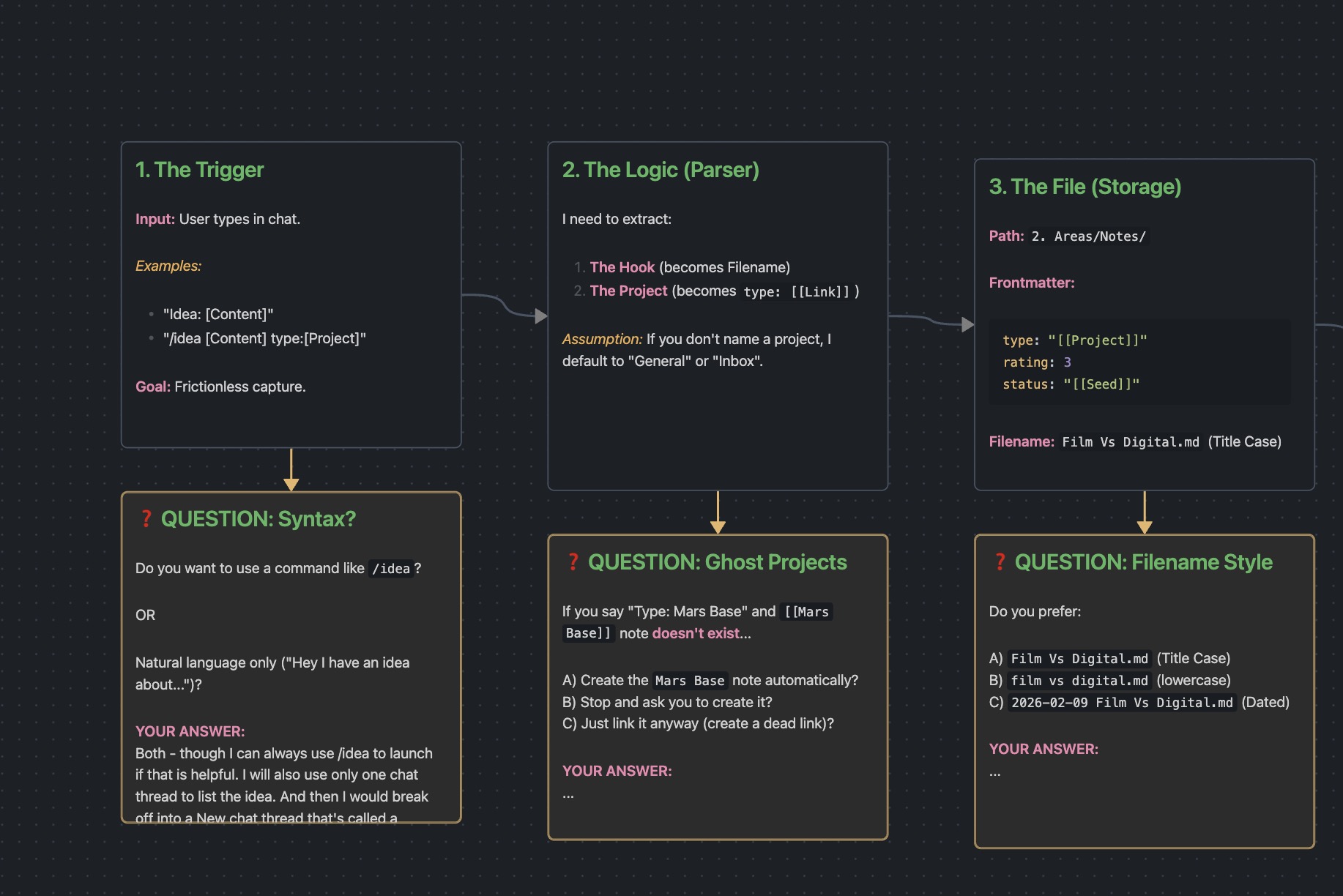
Instead of asking OpenClaw to “write a plan,” I asked it to draw the workflow. We used Obsidian Canvas as our shared interface. It mapped out the system visually.
The agent generated a .canvas file with nodes, edges, and logic flows. It mapped out the system we were building—an idea capture pipeline—visually.
But here is the breakthrough: The Assumption Box.
(We used Axton Liu’s Obsidian Visual Skills1 to power the generation).
The Assumption Box
I asked the agent to explicitly identify what it didn’t know. “Don’t guess,” I told it. “Draw a box for your assumptions and questions.”
It placed bright Yellow Boxes on the canvas:
- ❓ QUESTION: What happens if the Project doesn’t exist?
- ❓ QUESTION: Do you prefer Title Case filenames?
This changed the dynamic entirely.
- It drafts the structure (80%). The agent handles boilerplate, connections, and logic.
- It isolates the decisions (20%). It flags where intent is required.
- I fill the blanks. I resolve the assumptions.
- It executes. The agent finalises the code.
Visual State (Spatial Memory)
The most helpful part is state persistence.
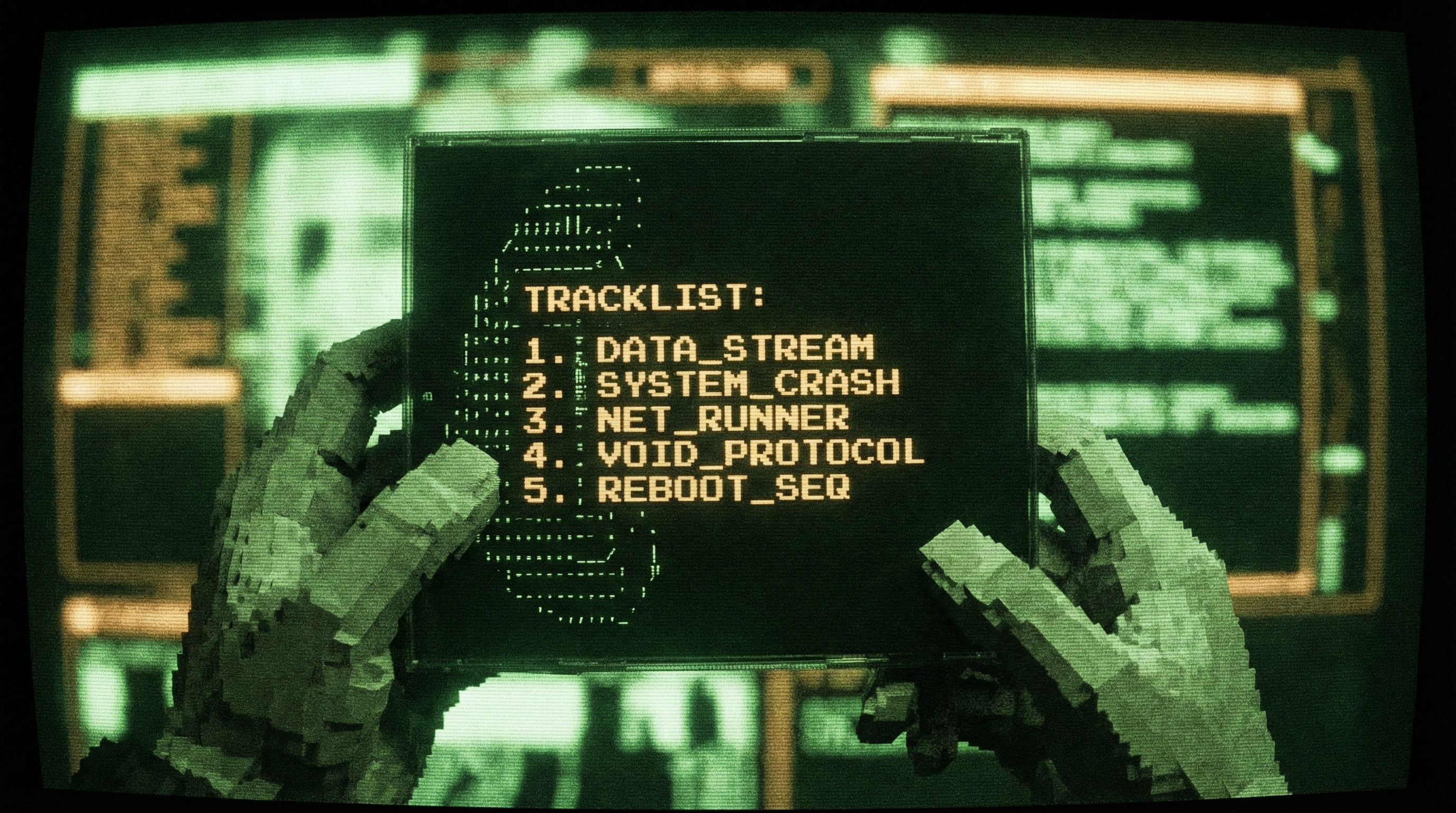
I remember being a teenager and not knowing the name of a track on a CD—but I knew exactly the position of where it was on the back of the jewel case. That’s spatial memory.
If I haven’t filled in a question box, it is visually obvious what needs to be worked on next. I don’t hunt for the todo; I see the board.
File Over App
This workflow lives in Obsidian because I follow the File Over App philosophy 2.
The idea is simple: data should outlive the tool.
- The Canvas is just a JSON file.
- The Agent is a local process (OpenClaw) that reads/writes files.
- The Output is my notes, in my vault.
There is no “platform” locking this data away. We are co-working in the same workspace. I can edit the file; the agent can edit the file. It is all reversible.
Co-Design
It’s not just about getting an answer. It’s about prototyping a way of working. By moving the conversation out of the chat window and onto the canvas, we turn “prompt engineering” into “visual co-design.”
We aren’t just talking. We’re building together.